
How to Search Cases by Name
Jim Hogg County runs two separate Tyler Municipal Online Services portals, one for the District Clerk and one for the County Clerk. Each carries a "Find My Case" label. The search screen also reads "Search violations." That phrasing tells you something. These tools handle portal-indexed cases and payments well, but the blank form makes no promise of a full civil, family, probate, or felony register.
- Choose the District Clerk search for a district matter or the County Clerk search for a county-side matter.
- Select Name mode, then enter first name, last name, and date of birth as the form requires.
- Review the match carefully. The form does not expose a visible court-type, offense, status, or filing-date filter.
- Use the result as a lead, then request the docket sheet or file from the clerk if more detail is needed.
| Field Label | Type | Required | Notes |
|---|---|---|---|
| First Name | Text | Yes in Name mode | Maximum 20 characters |
| Last Name | Text | Yes in Name mode | Maximum 20 characters |
| Date of Birth | Date | Yes in Name mode | Use the portal format |
| Case Number | Text | Yes in number mode | No public format legend appears |
| DL Number | Text | Yes in license mode | State is also required |
Jim Hogg Has Three Search Modes
Three search modes are live: Case Number, Driver's License, and Name. The license option adds a required state selector, with Texas preselected and other states listed. Name mode demands a first name, a last name, and a birth date. Nothing in the form promises a broader partial-name search.
Start with a case number when you have one. It cuts down false matches better than anything else. License mode fits the portal's payment and violation role. A license ties directly to a ticket. Name plus date of birth works when the number is unknown, but spelling and data entry must match the indexed record exactly.
Search tip: If one clerk-side portal returns nothing, first confirm the court level. Do not infer that the case does not exist.
How to Search by Case Number
Choose Case Number mode. Type the identifier exactly as the notice or pleading prints it. Under the hood the form field is called "CitationNumber," though the public label says Case Number. The blank portal posts no official Jim Hogg County guide to number format. So guesses at prefixes or punctuation can hide a real match.
Posted district sheets hint at the patterns. Civil matters appear in forms like CC-YY-sequence, and the sample criminal files carry their own patterns. Treat these as observations, not rules. Keep every letter, hyphen, and leading zero intact. If the portal rejects a number, call the unified clerk at (361) 527-4031 and name the court and case type.
Jim Hogg Portal Terms Matter
The District Clerk portal's terms cover accounts, payments, SSL, privacy, and refunds. What they do not do is turn a vendor screen into a certified court record. The official District Clerk portal terms spell out that vendor boundary. For the actual court file, the County and District Clerk remains the keeper, and the source page mainly helps a user sort out a transaction.
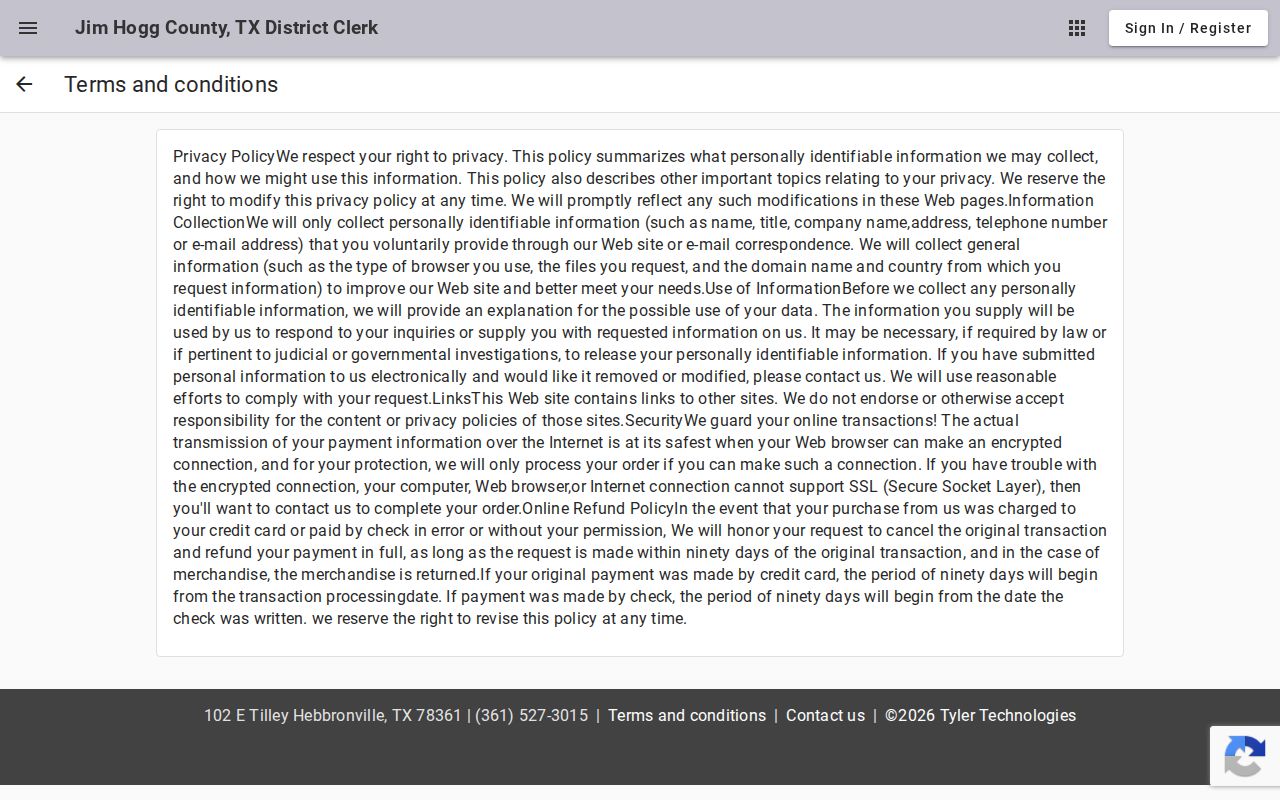
A portal row or payment receipt is never a certified docket sheet. When the difference matters, ask the clerk for a plain, electronic, or certified copy.
What a Case Search Shows
A lookup result in Jim Hogg County can flag a portal-indexed matter. It can also tie the matter to payment functions. The public docket PDFs give a richer picture. Each entry lists court, county, judge, date, time, docket type, cause number, style, setting, attorney, and notes. What neither blank Tyler form provides is a full chronological register with every filing and document image.
| Case number | The identifier used to distinguish the matter. |
|---|---|
| Style | The case caption or abbreviated parties on a docket sheet. |
| Setting | A scheduled event, not the outcome. |
| Status | May reflect portal or clerk data; confirm current disposition. |
| Filed documents | Not promised as a complete image library by the blank search. |
| Certified record | Must come from the clerk and may require a fee. |
Ask for the underlying petition, indictment, answer, motion, order, judgment, or register by name. A calendar snapshot is not the whole case history.
Property Search Is Not Case Search
The County Clerk links a separate publicsearch.us system. It searches grantor, grantee, subdivision, document type, document number, recorded date, and OCR text. That index covers land and official-record instruments, not court cases. A foreclosure may spawn both a court case and a recorded property instrument, yet each index answers a different question. The Jim Hogg property search makes the boundary plain.
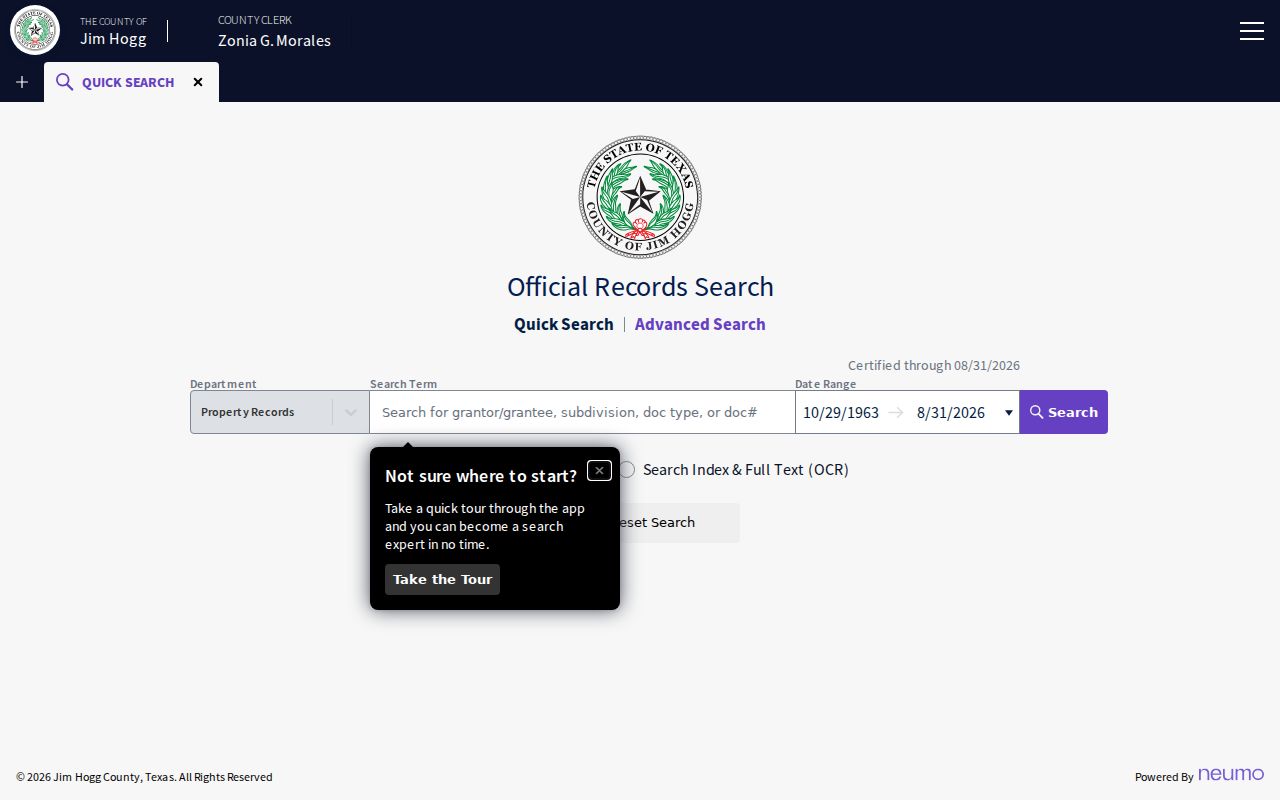
Run the court matter through the proper clerk or docket channel. Chase the deed, lien, or other recorded instrument through the property index. One does not replace the other.
County vs Statewide Case Search
re:SearchTX serves as Texas's electronic-access layer for participating courts and permitted documents. How much Jim Hogg material it carries, especially criminal coverage, is uncertain. The Texas Courts FAQ still points people seeking trial-court records to the court or clerk itself.
| Channel | Coverage | Best Use |
|---|---|---|
| County Tyler pages | Separate county and district portal datasets | Known local portal-indexed matter or payment |
| 229th PDF archive | Dated district settings | Checking a civil or criminal calendar snapshot |
| re:SearchTX | Participating courts and allowed records | Checking the statewide electronic layer |
| Clerk request | Public record held by the local custodian | Docket sheet, filed item, or certified copy |
eFileTexas handles filings. It is not a free public register. A federal case belongs in PACER, not a Jim Hogg County portal.
Jim Hogg Historical Index Books
The County Clerk also links Kofile Quicklinks for older index books and official-record research. That channel suits historical or genealogy work. It is not the current district case lookup, though. Record type and time period decide whether the index helps at all. The Kofile index-books entry shows the separate historical route.
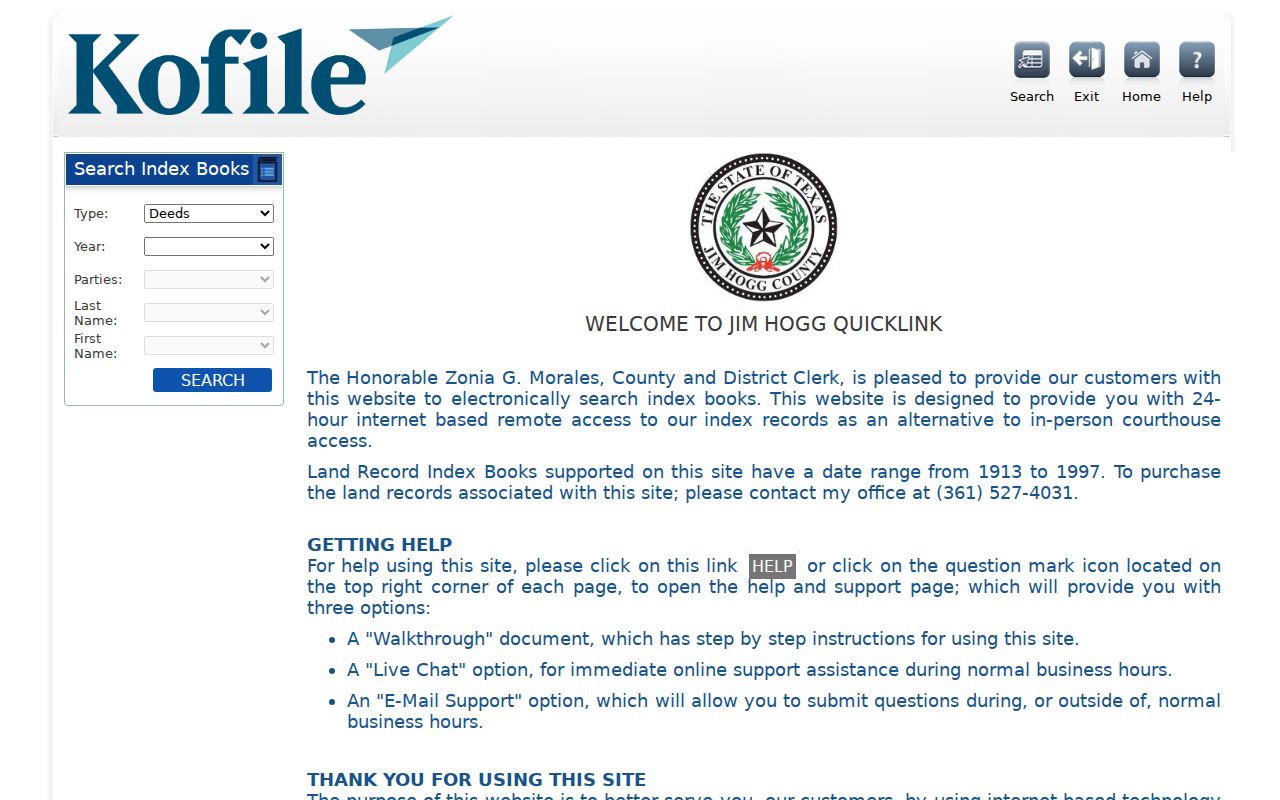
Ask the County and District Clerk whether an older court case is archived, indexed elsewhere, or reachable through a staff search. Don't force a historical record into the current violation search. The tools serve different eras.
When Jim Hogg Shows No Result
A no-result screen can mean almost anything. The search may have hit the wrong clerk side. The case might sit in a JP precinct, fall outside the vendor's violation or payment dataset, be too new or already archived, carry a different identifier, or be restricted from view. A broken calendar link can also hide a dated setting while the case lives on.
- Confirm district, county, probate, or JP jurisdiction.
- Retry the exact case number and punctuation from the notice.
- Check the latest 229th docket file for a district setting.
- Call the clerk at (361) 527-4031 or the JP at (361) 527-5830.
- Request the public register or a named document by mail, fax, email routing, or at the counter.
Visit the clerk counter at 102 E. Tilley, Hebbronville. Mail goes to P.O. Box 878, Hebbronville, TX 78361, and the listed fax is (361) 232-5875. The office does not advertise a public terminal. When no docket or register is posted, a Rule 12 judicial-record request is the formal fallback.
Restricted Cases and Access Rules
Some Jim Hogg County court docket entries will never be fully public. Juvenile files, child-protection cases, sealed civil records, and expunged criminal records often come back redacted or missing. So do sensitive identifiers, financial-account data, and protected family details. A blank result does not mean the case was expunged or dismissed. It says nothing about guilt, either. And an open docket still keeps some filed documents off limits.
Texas Rule 12 sets the procedure for requesting judicial records. Rule 21c covers redaction of sensitive data. Rule 76a provides the civil sealing framework. Family Code Chapter 58 restricts juvenile records, and Code of Criminal Procedure Chapter 55A governs expunction. If the clerk denies access, ask for the redacted public portion and a written legal basis. When an online case lookup falls short, phone, mail, fax, email, and in-person requests all still work. Just remember that a certified copy never overrides a seal or an access limit.